Free JPG to PNG Converter:
High-Quality & Fast Conversions
Easily convert your JPG or JPEG images to PNGs online. Enjoy crisp, clear results with zero quality loss, all in a flash!
Need to change your JPG to a PNG without any fuss? You're in the right place! Just drag and drop your JPG or JPEG files right into the box, or click to browse from your computer. It's super simple & completely free.
Free JPG to PNG Converter:
High-Quality & Fast Conversions
Easily convert your JPG or JPEG images to PNGs online. Enjoy crisp, clear results with zero quality loss, all in a flash! Need to change your JPG to a PNG without any fuss? You're in the right place! Just drag and drop your JPG or JPEG files right into the box, or click to browse from your computer. It's super simple and completely free.
Free JPG to PNG Converter:
High-Quality & Fast Conversions
Easily convert your JPG or JPEG images to PNGs online. Enjoy crisp, clear results with zero quality loss, all in a flash! Need to change your JPG to a PNG without any fuss? You're in the right place! Just drag and drop your JPG or JPEG files right into the box, or click to browse from your computer. It's super simple and completely free.
Free JPG to PNG Converter:
High-Quality & Fast Conversions
Easily convert your JPG or JPEG images to PNGs online. Enjoy crisp, clear results with zero quality loss, all in a flash! Need to change your JPG to a PNG without any fuss? You're in the right place! Just drag and drop your JPG or JPEG files right into the box, or click to browse from your computer. It's super simple & completely free.
How to Use Our Free JPG to PNG Converter
Turning your JPGs into PNGs is as easy as 1-2-3:
Turning your JPGs into PNGs is as easy as 1-2-3:
01
Step
Upload your image!
02
Step
Click on "Convert"!
03
Step
Download your new PNG(s)!
01
Step
Upload your image!
02
Step
Click on "Convert"!
03
Step
Download your new PNG(s)!
01
Step
Upload your image!
02
Step
Click on "Convert"!
03
Step
Download your new PNG(s)!
In moments, your new, high-quality PNG image(s) will be ready! Click the "Download All" button to save them.
In moments, your new, high-quality PNG image(s) will be ready! Click the "Download All" button to save them.
Why Bother Converting JPG to PNG?
You might wonder why you'd switch from a JPG to a PNG. Well, PNGs have some pretty cool advantages:
Zero Quality Loss
This is a big one! Our converter ensures that your image details stay perfectly sharp. When you convert from JPG to PNG with our tool, the quality you put in is the quality you get out. It's what they call "lossless" for PNGs, meaning no data is thrown away.
Transparency
PNGs are famous for supporting transparent backgrounds. This is amazing for logos, icons, or any image you want to place seamlessly on different colored backgrounds or over other images without that clunky white (or other solid color) box around it.
Great for Graphics
If your image contains sharp lines, text, or detailed graphics (like logos, illustrations, or screenshots), PNGs often keep these elements looking cleaner and crisper than JPGs might, especially after multiple edits.
Super Quick
We know you're busy! Our tool is designed for speed and simplicity. No complicated settings, no confusing steps. Just upload, click "Convert," and download. It’s that straightforward.
Completely Free
Yep, it's really free! Convert your JPGs to PNGs as often as you need without any hidden fees, annoying sign-ups, or watermarks on your freshly converted images. Just a simple, effective tool for you.
Why Bother Converting JPG to PNG?
You might wonder why you'd switch from a JPG to a PNG. Well, PNGs have some pretty cool advantages:
Zero Quality Loss
This is a big one! Our converter ensures that your image details stay perfectly sharp. When you convert from JPG to PNG with our tool, the quality you put in is the quality you get out. It's what they call "lossless" for PNGs, meaning no data is thrown away.
Transparency
PNGs are famous for supporting transparent backgrounds. This is amazing for logos, icons, or any image you want to place seamlessly on different colored backgrounds or over other images without that clunky white (or other solid color) box around it.
Great for Graphics
If your image contains sharp lines, text, or detailed graphics (like logos, illustrations, or screenshots), PNGs often keep these elements looking cleaner and crisper than JPGs might, especially after multiple edits.
Super Quick
We know you're busy! Our tool is designed for speed and simplicity. No complicated settings, no confusing steps. Just upload, click "Convert," and download. It’s that straightforward.
Completely Free
Yep, it's really free! Convert your JPGs to PNGs as often as you need without any hidden fees, annoying sign-ups, or watermarks on your freshly converted images. Just a simple, effective tool for you.
Why Bother Converting JPG to PNG?
You might wonder why you'd switch from a JPG to a PNG. Well, PNGs have some pretty cool advantages:
Zero Quality Loss
This is a big one! Our converter ensures that your image details stay perfectly sharp. When you convert from JPG to PNG with our tool, the quality you put in is the quality you get out. It's what they call "lossless" for PNGs, meaning no data is thrown away.
Transparency
PNGs are famous for supporting transparent backgrounds. This is amazing for logos, icons, or any image you want to place seamlessly on different colored backgrounds or over other images without that clunky white (or other solid color) box around it.
Great for Graphics
If your image contains sharp lines, text, or detailed graphics (like logos, illustrations, or screenshots), PNGs often keep these elements looking cleaner and crisper than JPGs might, especially after multiple edits.
Super Quick
We know you're busy! Our tool is designed for speed and simplicity. No complicated settings, no confusing steps. Just upload, click "Convert," and download. It’s that straightforward.
Completely Free
Yep, it's really free! Convert your JPGs to PNGs as often as you need without any hidden fees, annoying sign-ups, or watermarks on your freshly converted images. Just a simple, effective tool for you.
Why Bother Converting JPG to PNG?
You might wonder why you'd switch from a JPG to a PNG. Well, PNGs have some pretty cool advantages:
Zero Quality Loss
This is a big one! Our converter ensures that your image details stay perfectly sharp. When you convert from JPG to PNG with our tool, the quality you put in is the quality you get out. It's what they call "lossless" for PNGs, meaning no data is thrown away.
Transparency
PNGs are famous for supporting transparent backgrounds. This is amazing for logos, icons, or any image you want to place seamlessly on different colored backgrounds or over other images without that clunky white (or other solid color) box around it.
Great for Graphics
If your image contains sharp lines, text, or detailed graphics (like logos, illustrations, or screenshots), PNGs often keep these elements looking cleaner and crisper than JPGs might, especially after multiple edits.
Super Quick
We know you're busy! Our tool is designed for speed and simplicity. No complicated settings, no confusing steps. Just upload, click "Convert," and download. It’s that straightforward.
Completely Free
Yep, it's really free! Convert your JPGs to PNGs as often as you need without any hidden fees, annoying sign-ups, or watermarks on your freshly converted images. Just a simple, effective tool for you.
Why Bother Converting JPG to PNG?
You might wonder why you'd switch from a JPG to a PNG. Well, PNGs have some pretty cool advantages:
Zero Quality Loss
This is a big one! Our converter ensures that your image details stay perfectly sharp. When you convert from JPG to PNG with our tool, the quality you put in is the quality you get out. It's what they call "lossless" for PNGs, meaning no data is thrown away.
Transparency
PNGs are famous for supporting transparent backgrounds. This is amazing for logos, icons, or any image you want to place seamlessly on different colored backgrounds or over other images without that clunky white (or other solid color) box around it.
Great for Graphics
If your image contains sharp lines, text, or detailed graphics (like logos, illustrations, or screenshots), PNGs often keep these elements looking cleaner and crisper than JPGs might, especially after multiple edits.
Super Quick
We know you're busy! Our tool is designed for speed and simplicity. No complicated settings, no confusing steps. Just upload, click "Convert," and download. It’s that straightforward.
Completely Free
Yep, it's really free! Convert your JPGs to PNGs as often as you need without any hidden fees, annoying sign-ups, or watermarks on your freshly converted images. Just a simple, effective tool for you.
Need Help Making Your Images Work Harder Online?
Converting images is often one small step in a bigger project – maybe you're building a new website, designing eye-catching social media posts, or making sure your blog visuals look absolutely top-notch. If you're looking for advice or help with web design, crafting engaging content, or ensuring all your online visuals are professional, optimized, and load quickly, we're here to chat!
Converting images is often one small step in a bigger project – maybe you're building a new website, designing eye-catching social media posts, or making sure your blog visuals look absolutely top-notch. If you're looking for advice or help with web design, crafting engaging content, or ensuring all your online visuals are professional, optimized, and load quickly, we're here to chat!
Sometimes, just having the right image format isn't enough; it's about how you use it. We love helping people make their online presence shine.
Sometimes, just having the right image format isn't enough; it's about how you use it. We love helping people make their online presence shine.



Rated by 1000+ Owners!

Ready to speak with an expert?

“Transparent. Efficient. Excellent Team— Bryant”
Ready to speak with an expert?
“Transparent. Efficient. Excellent Team— Bryant”
Ready to speak with an expert?
“Transparent. Efficient. Excellent Team— Bryant”
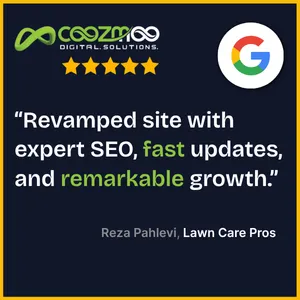
Real Reviews. Real Results.
Our clients don’t just trust us—they see real, measurable results. Hear what they're saying about the powerful "Monetized. Localized. Brandized." strategy.

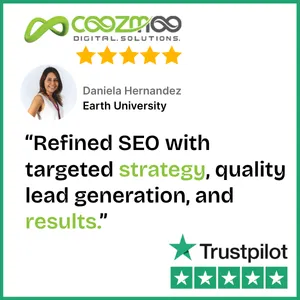
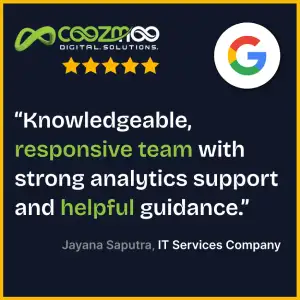


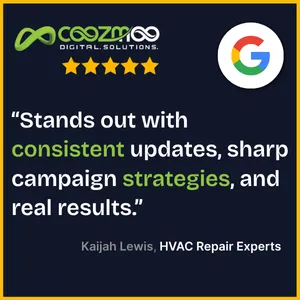
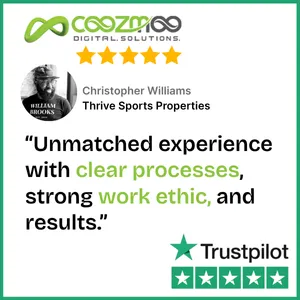
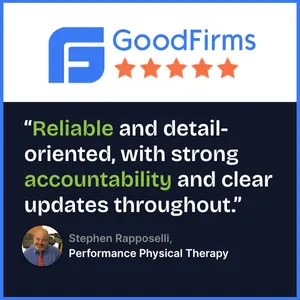




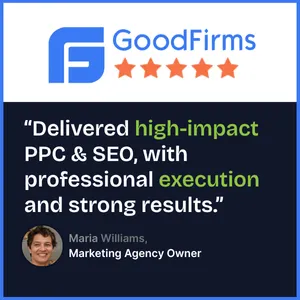


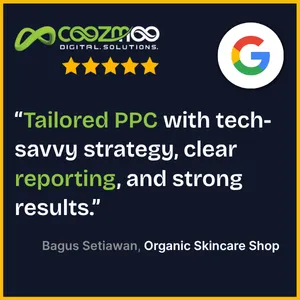


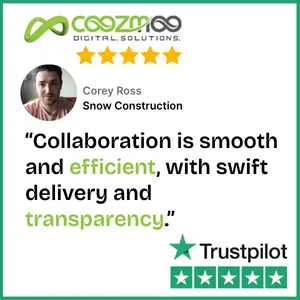

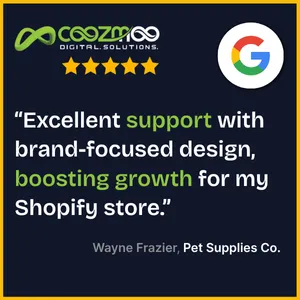
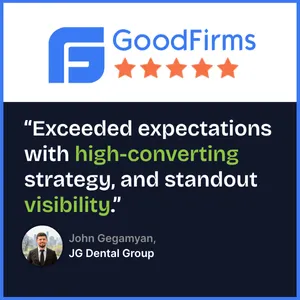

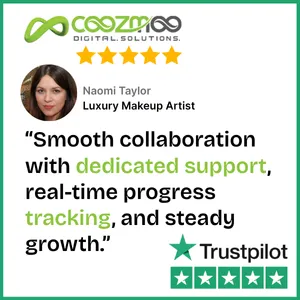

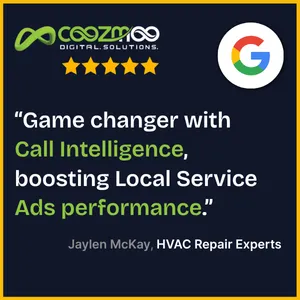


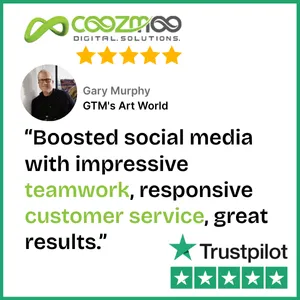
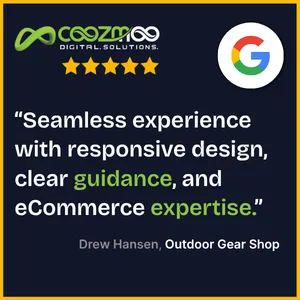
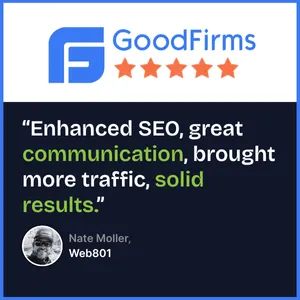

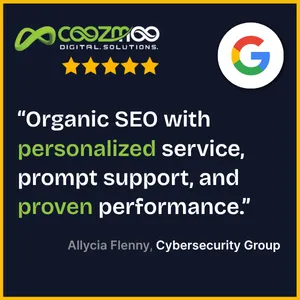

Real Reviews. Real Results.
Our clients don’t just trust us—they see real, measurable results. Hear what they're saying about the powerful "Monetized. Localized. Brandized." strategy.
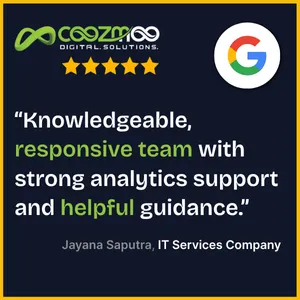
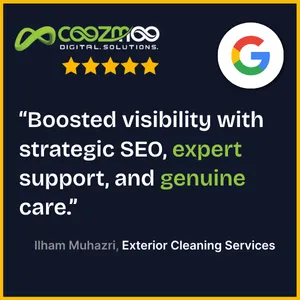
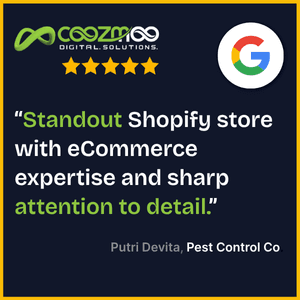

Real Reviews. Real Results.
Our clients don’t just trust us—they see real, measurable results. Hear what they're saying about the powerful "Monetized. Localized. Brandized." strategy.

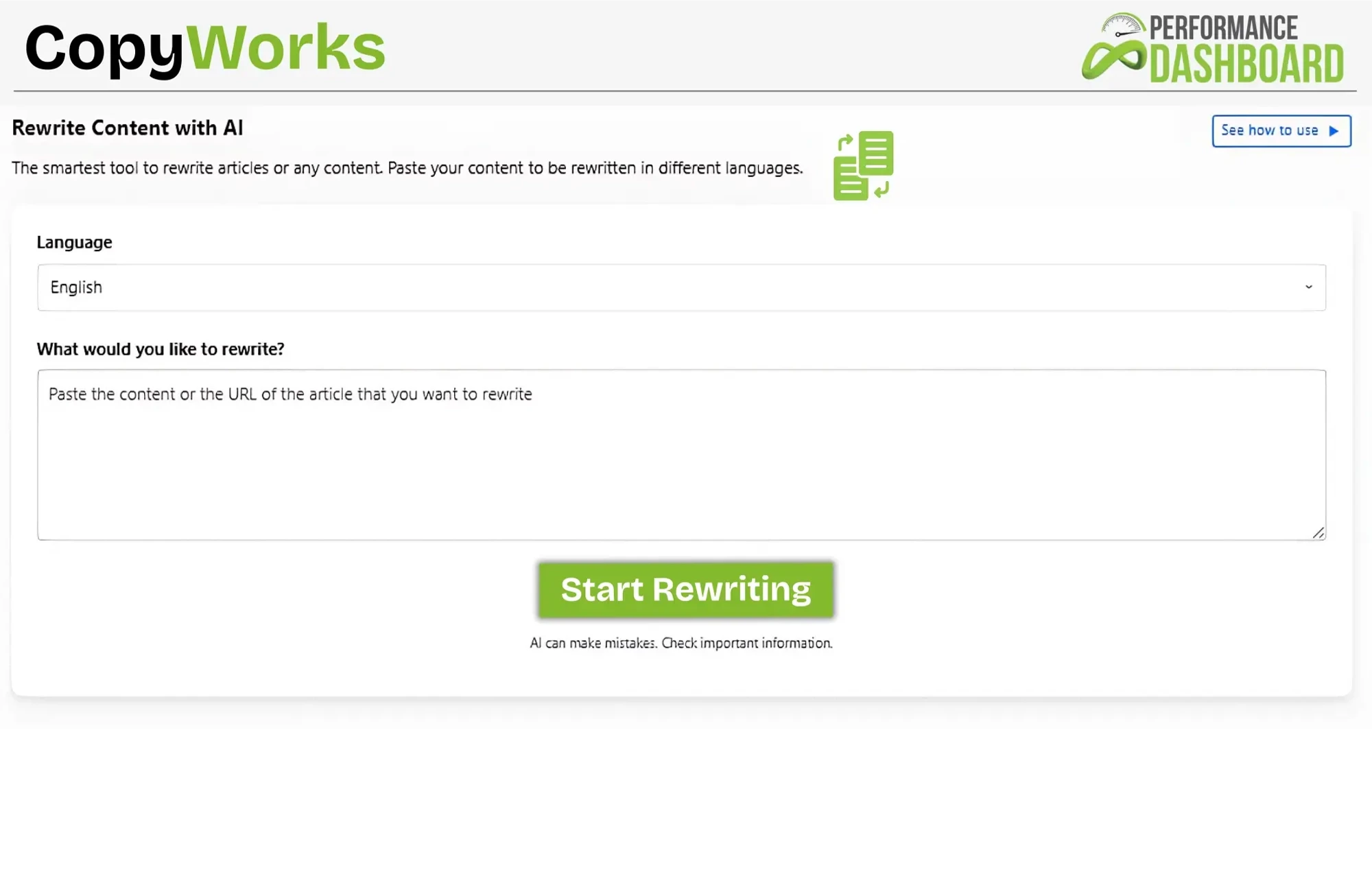
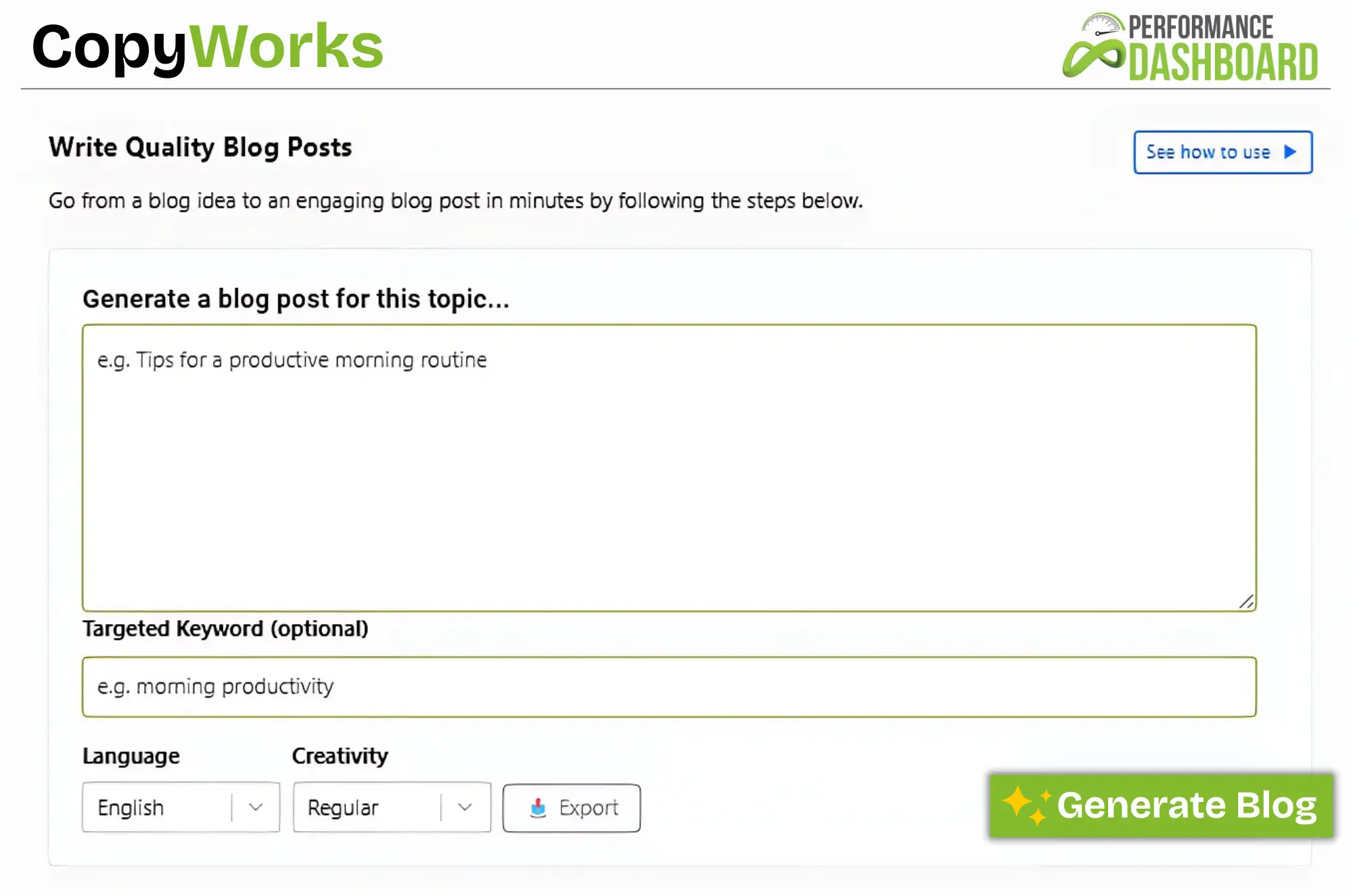
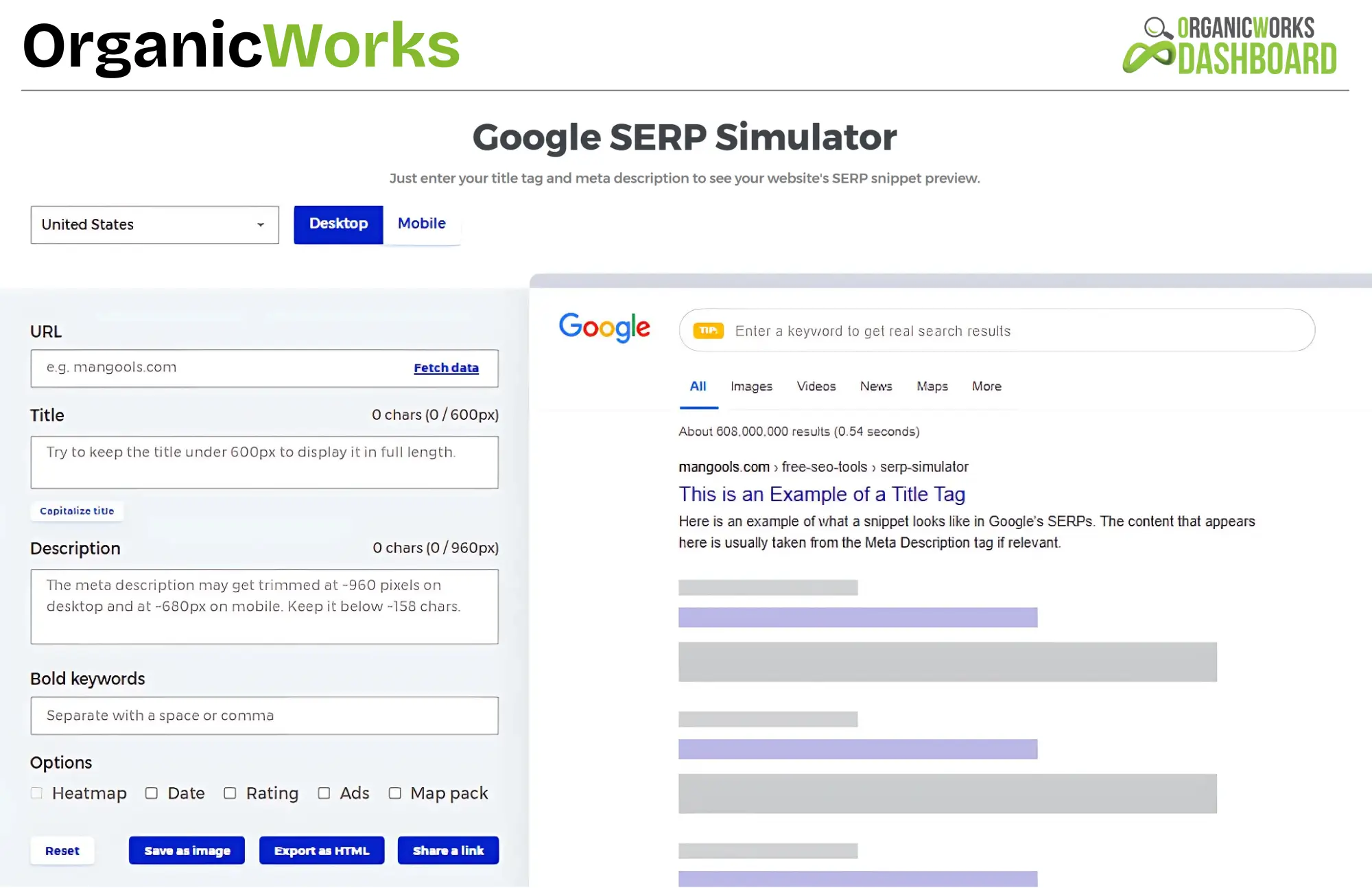
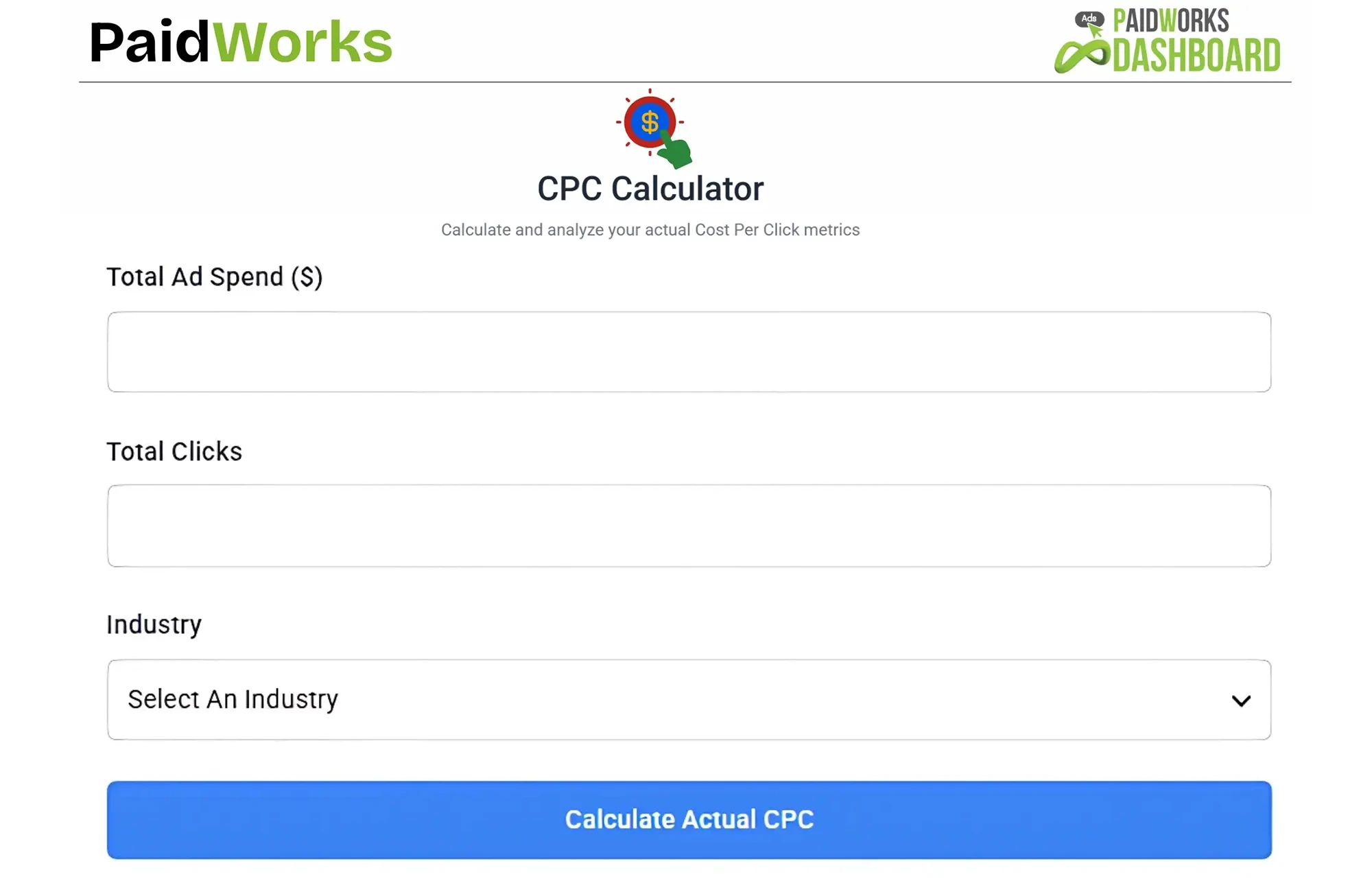
Explore More Free Tools
Use our free calculators to track key metrics and optimize your marketing strategy.
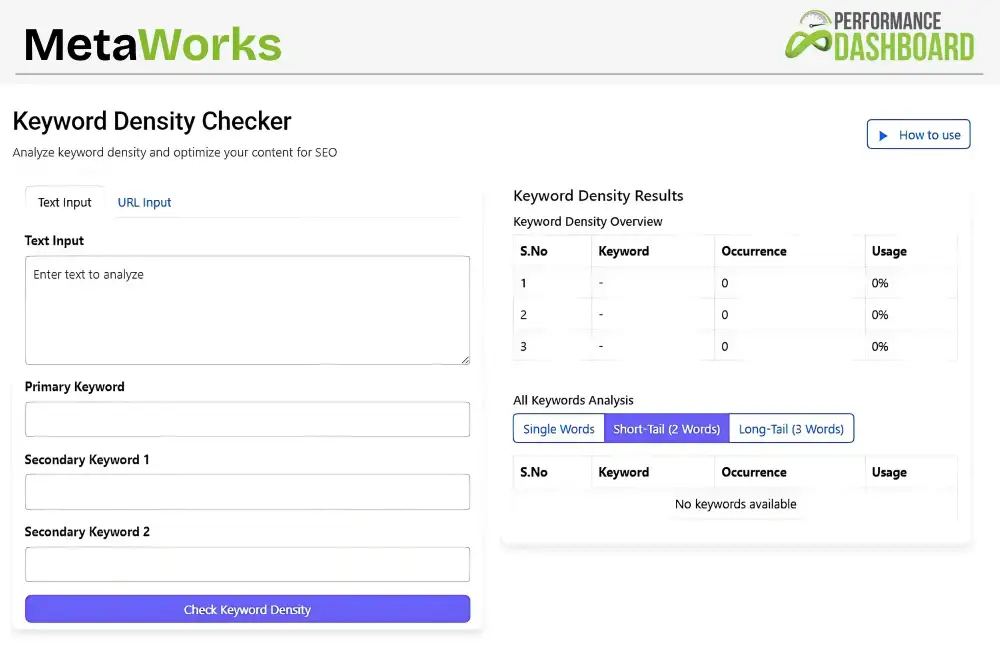
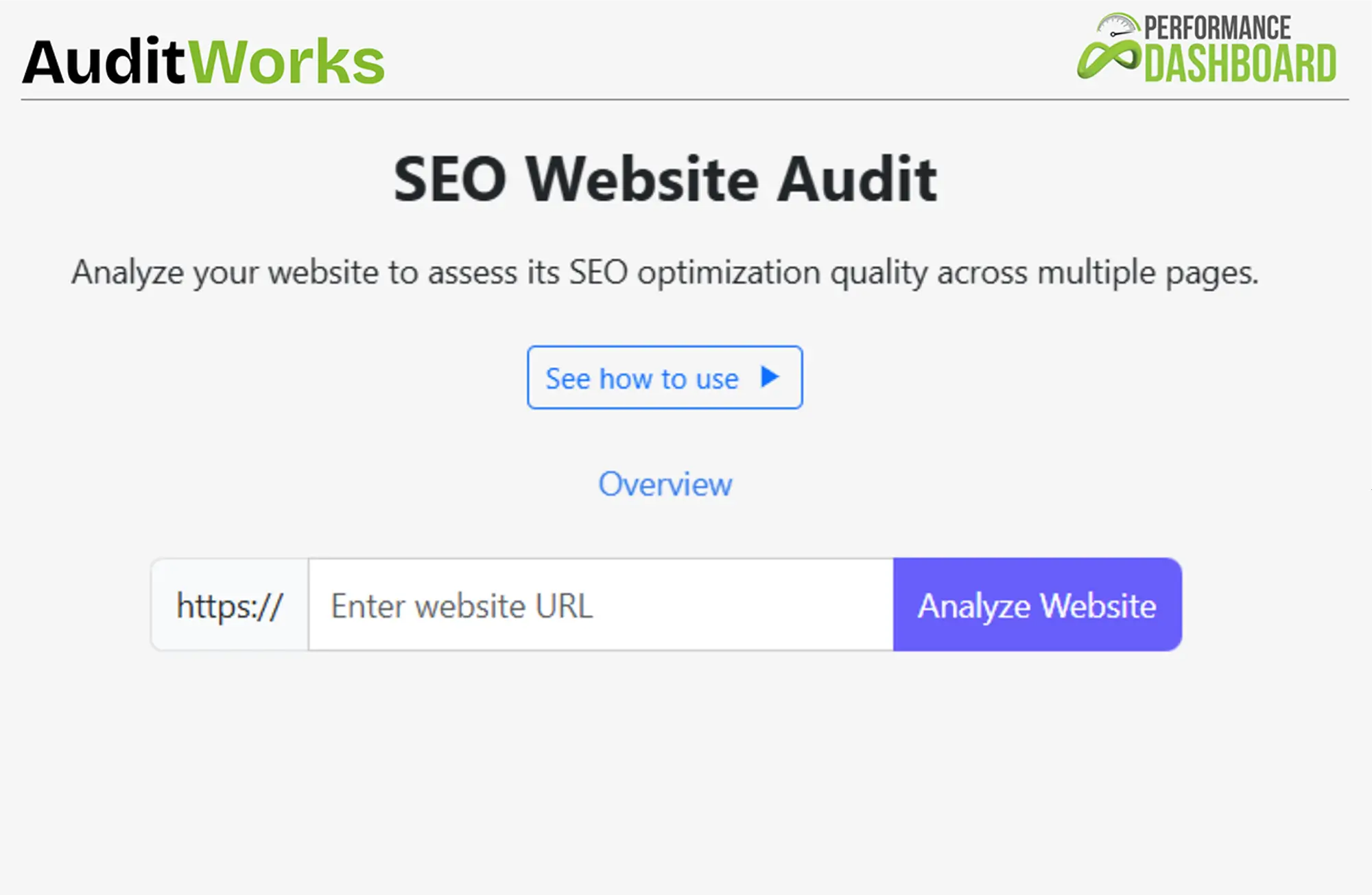
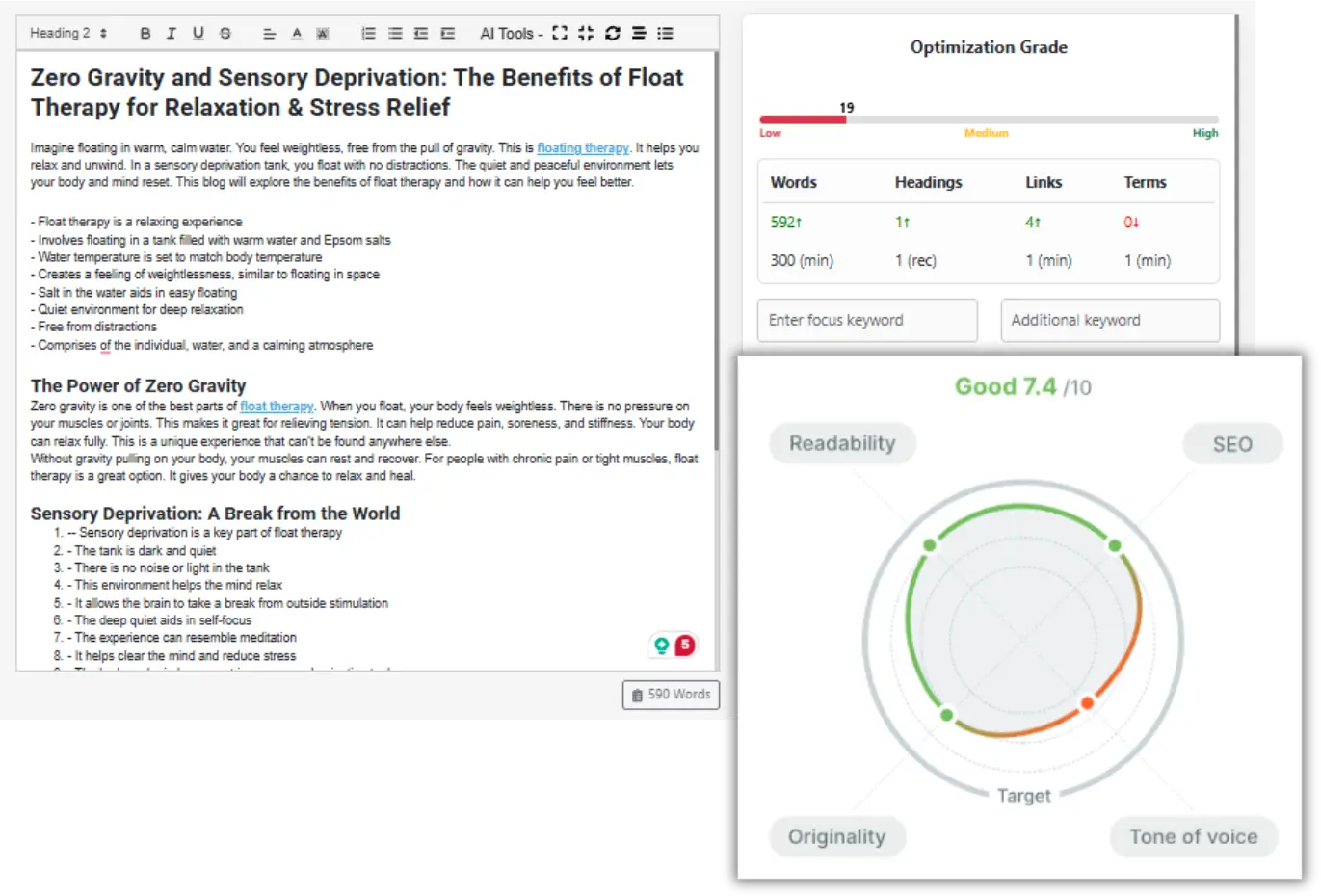
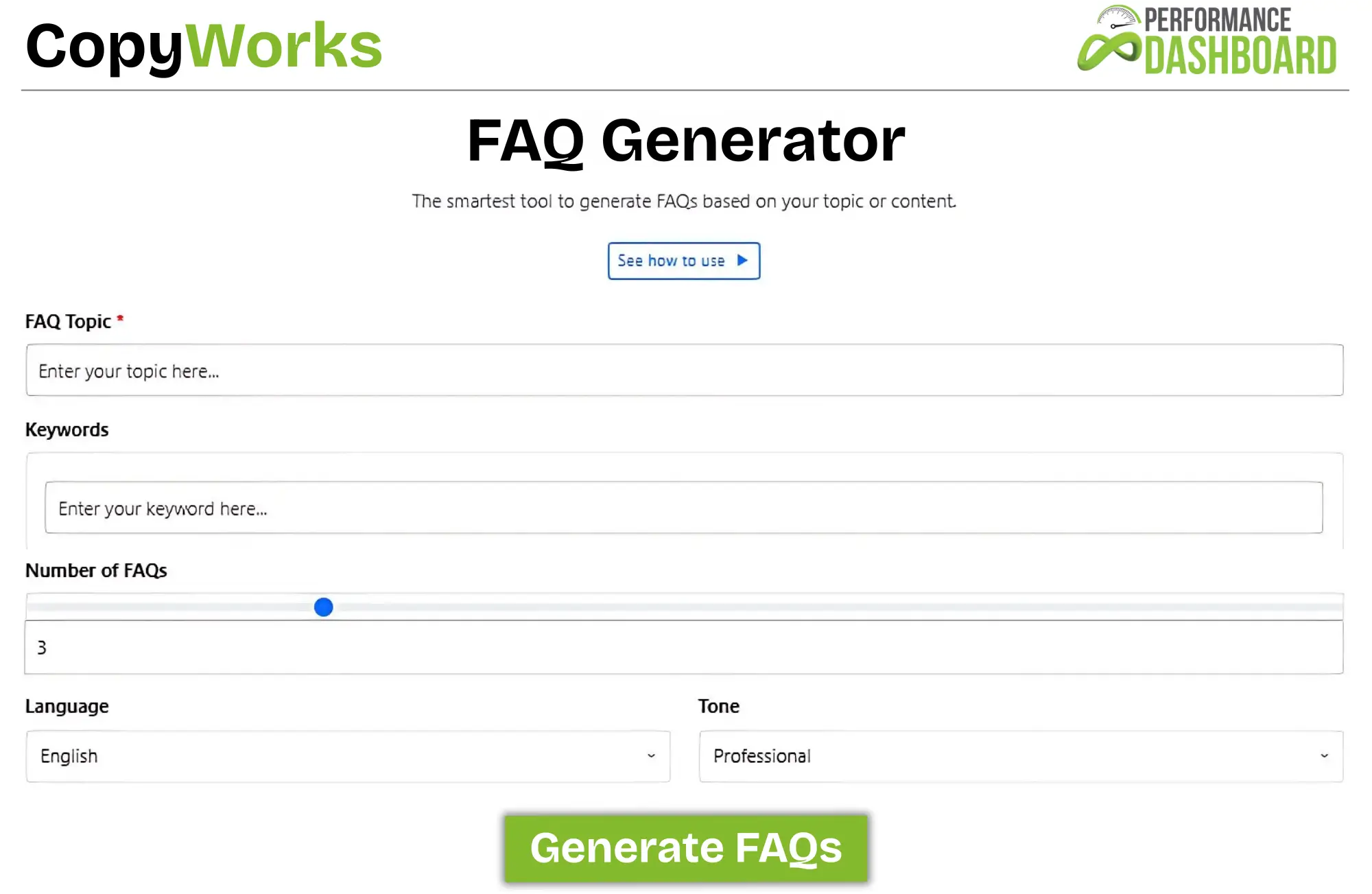

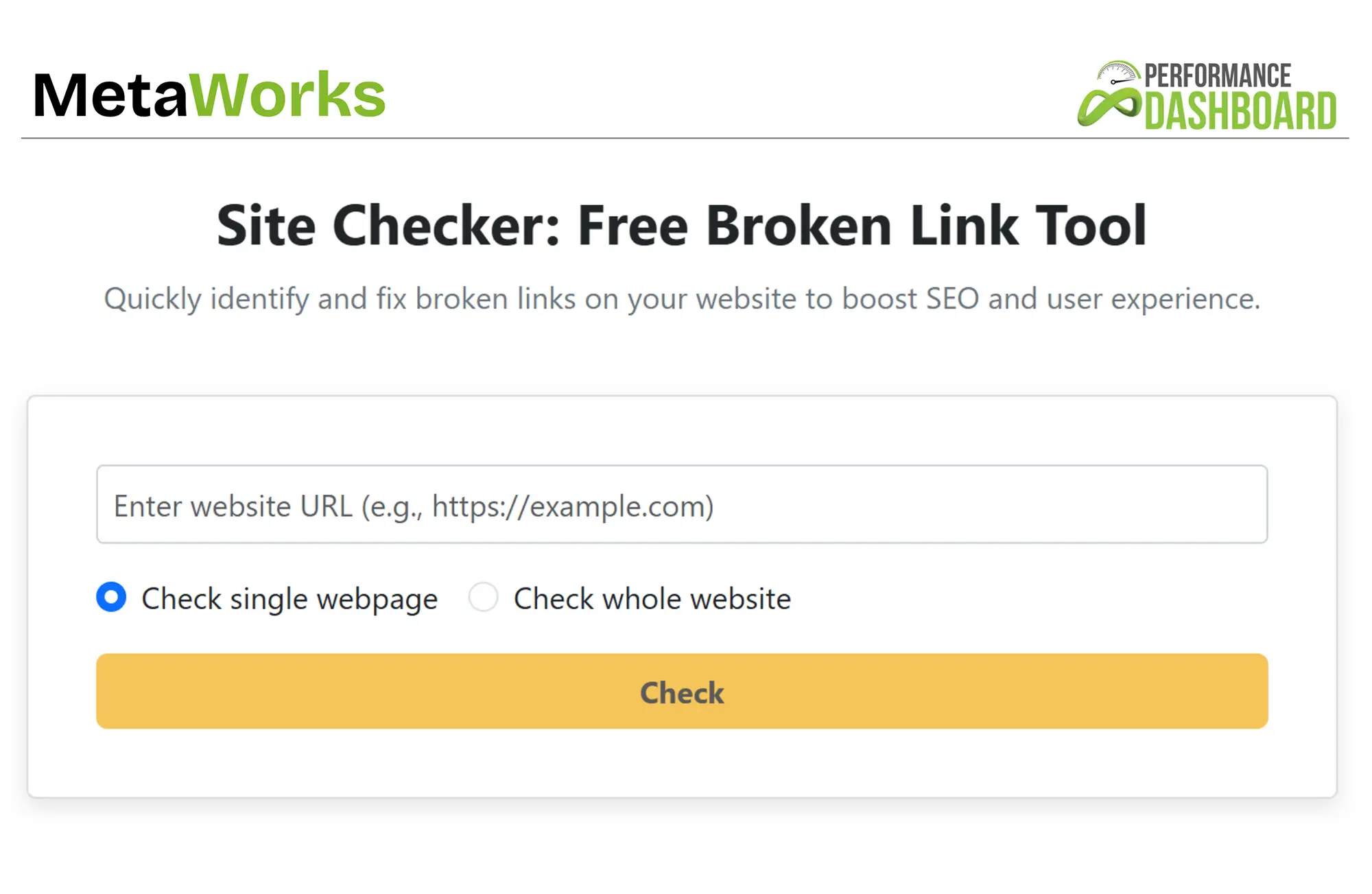
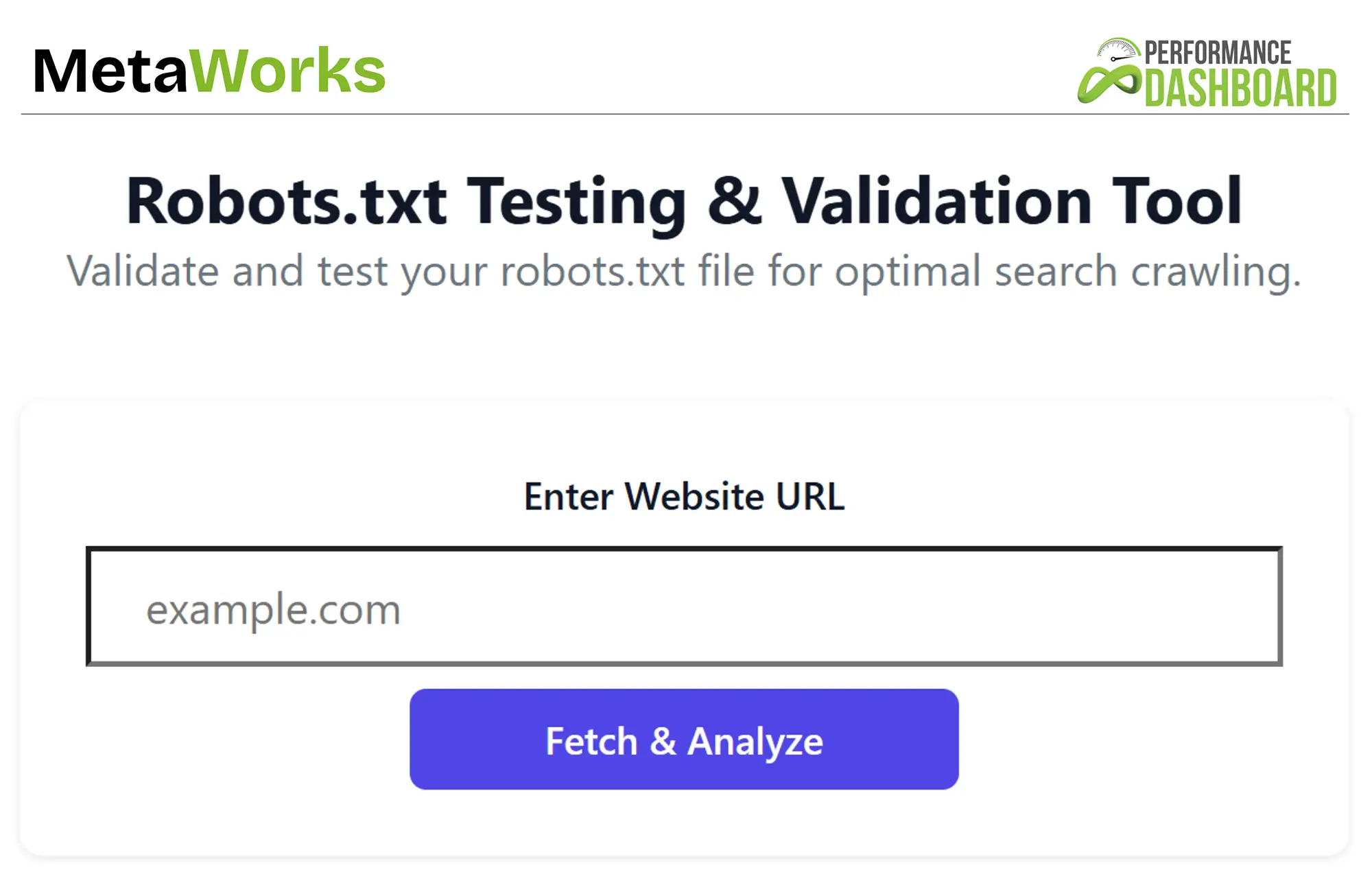
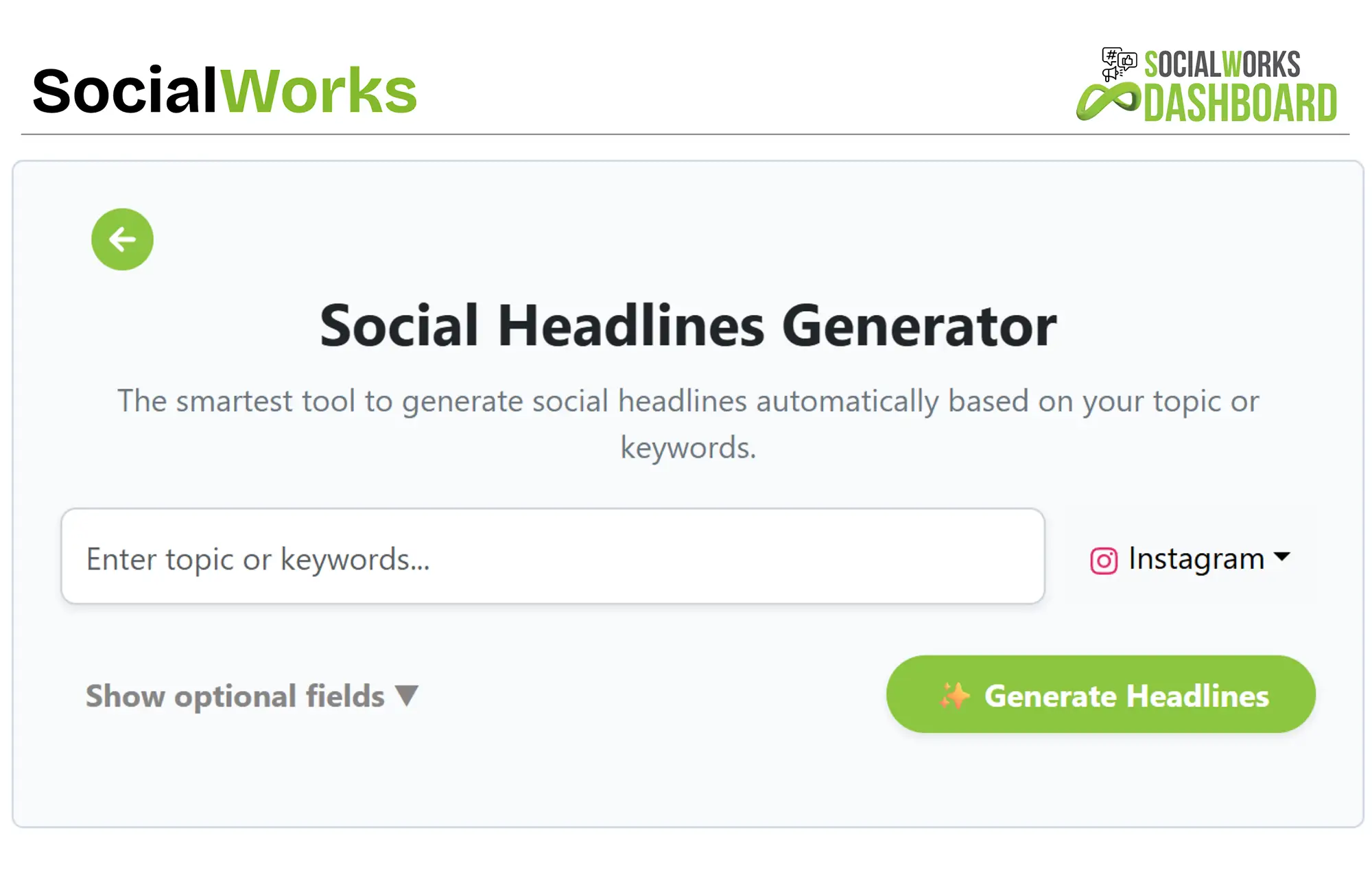
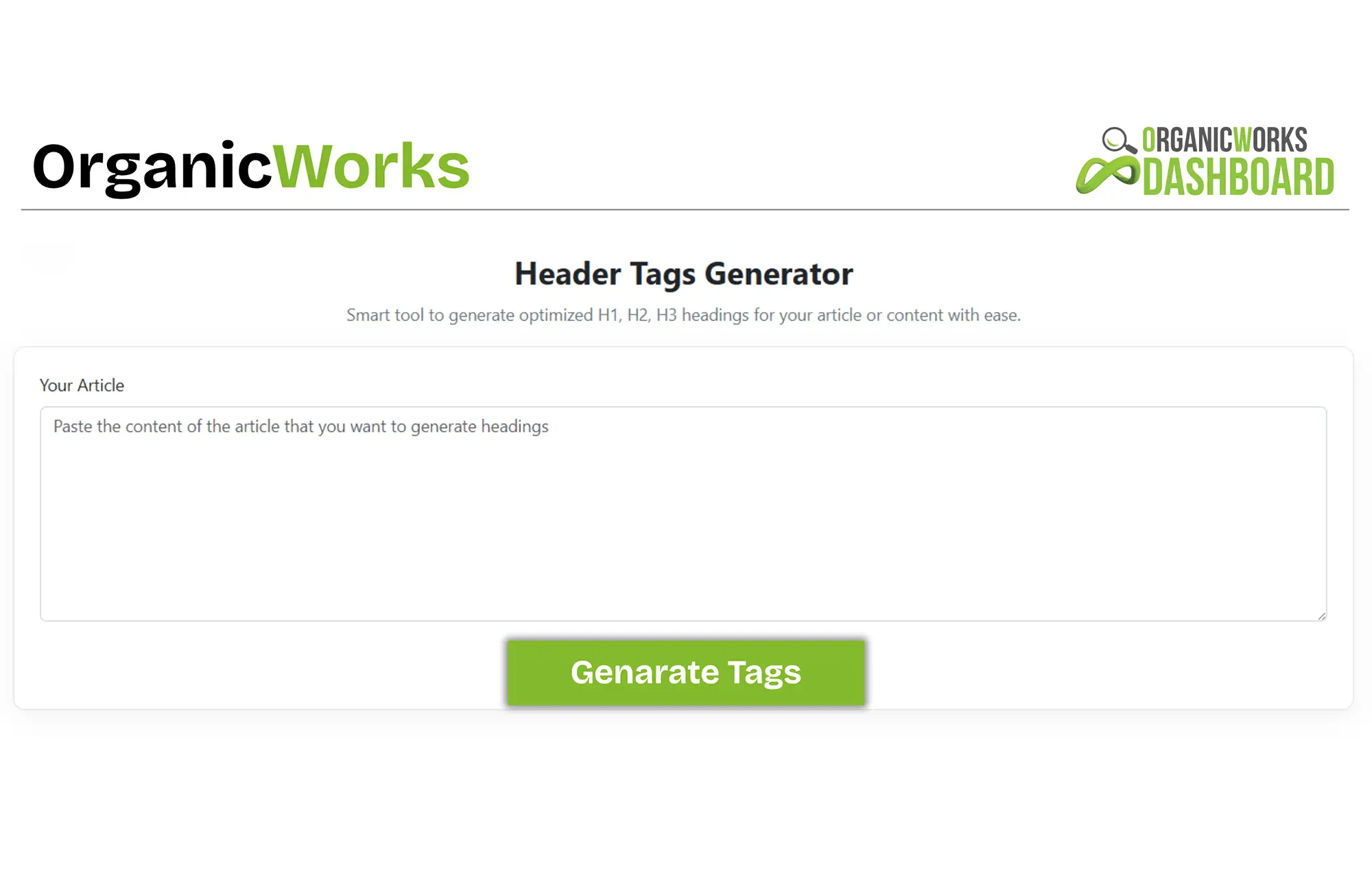
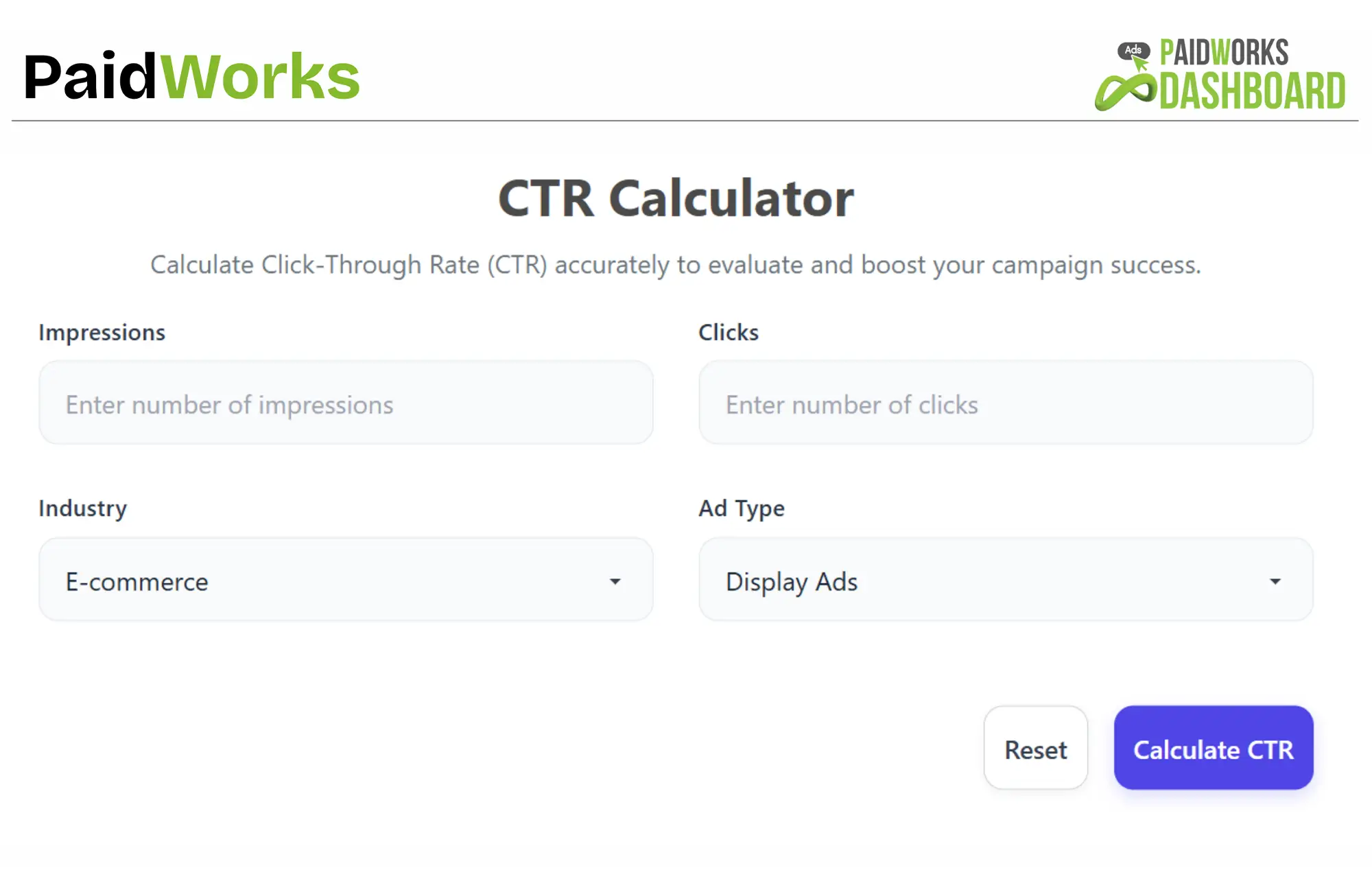
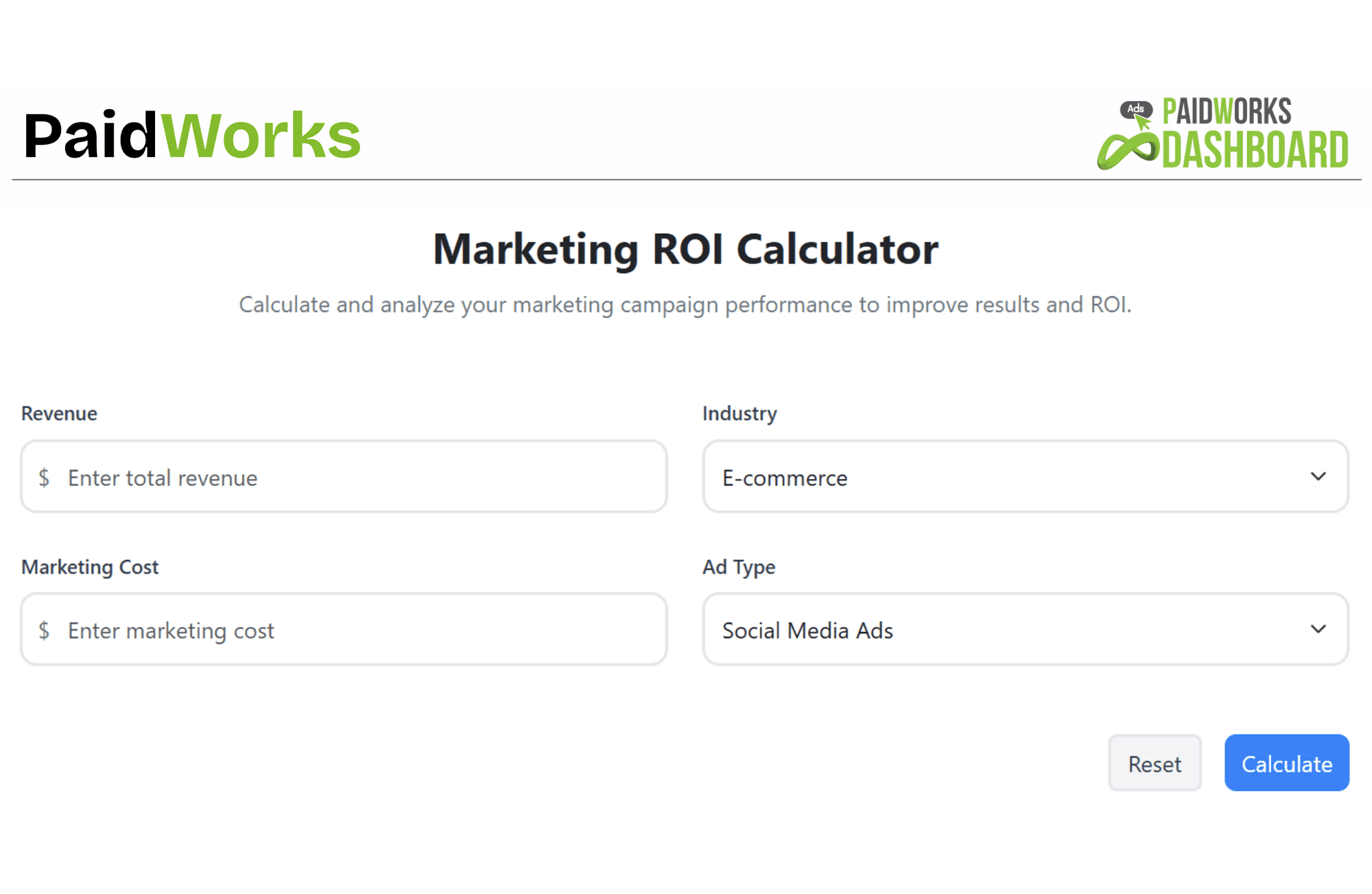
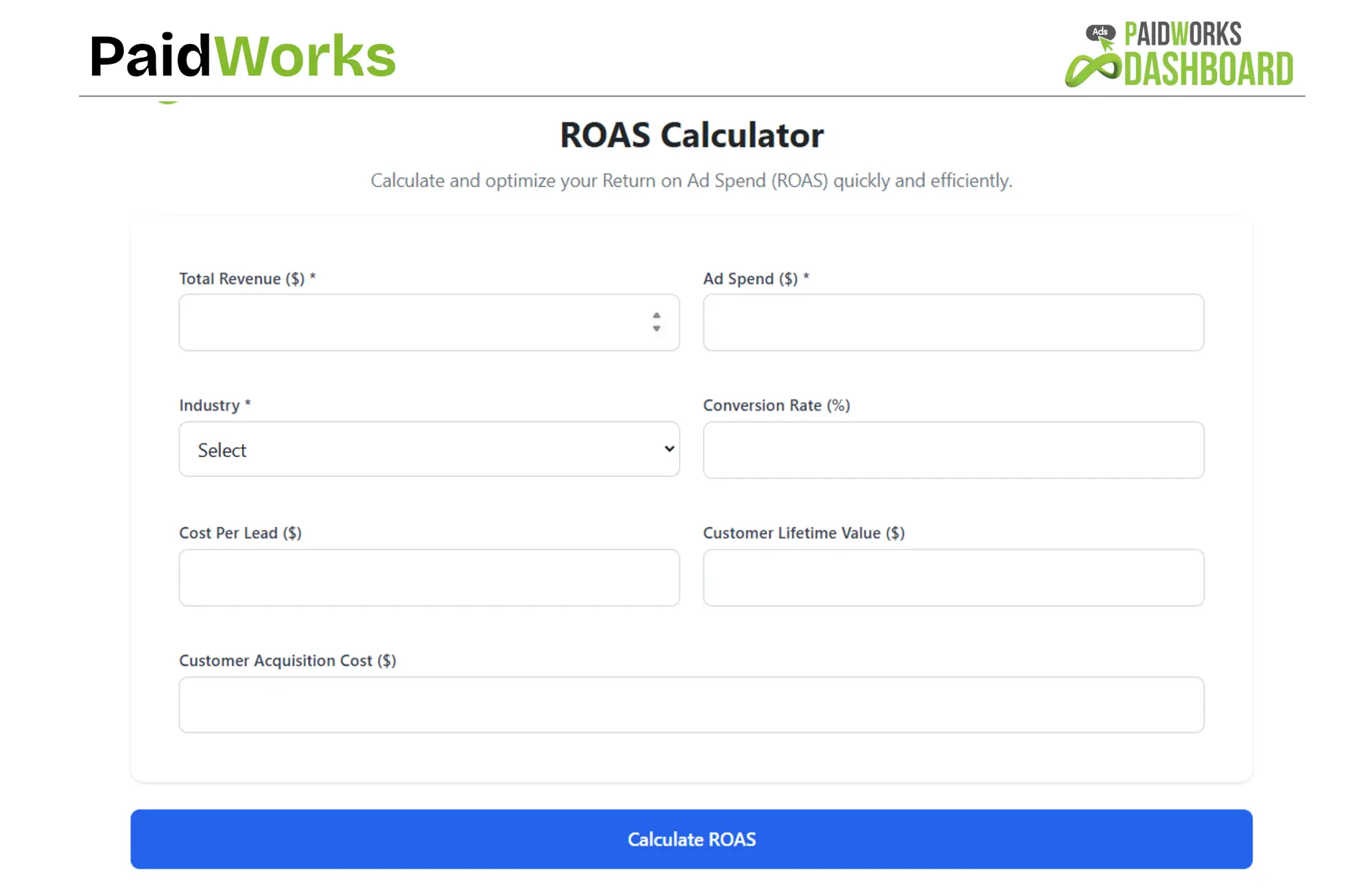
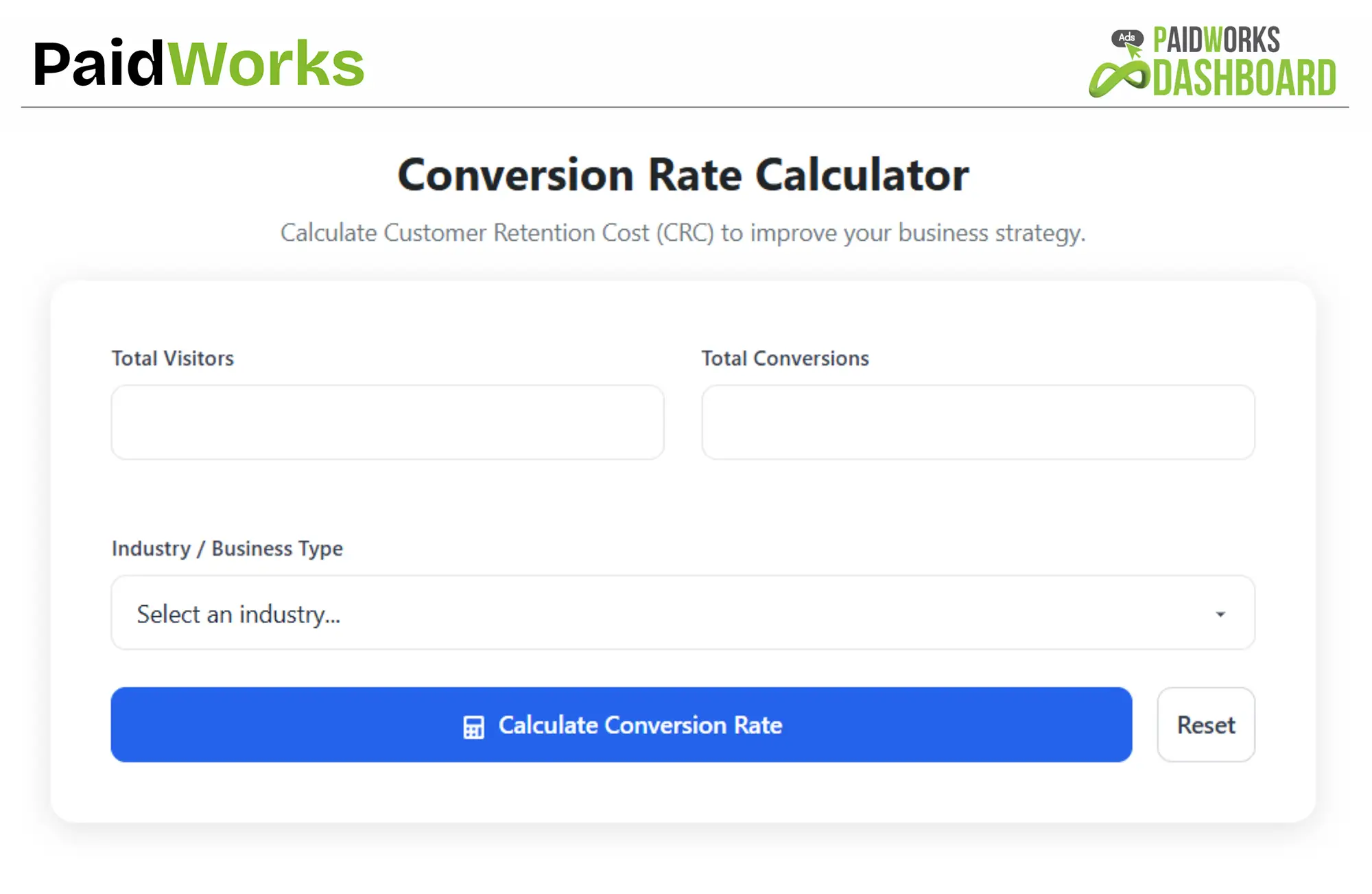
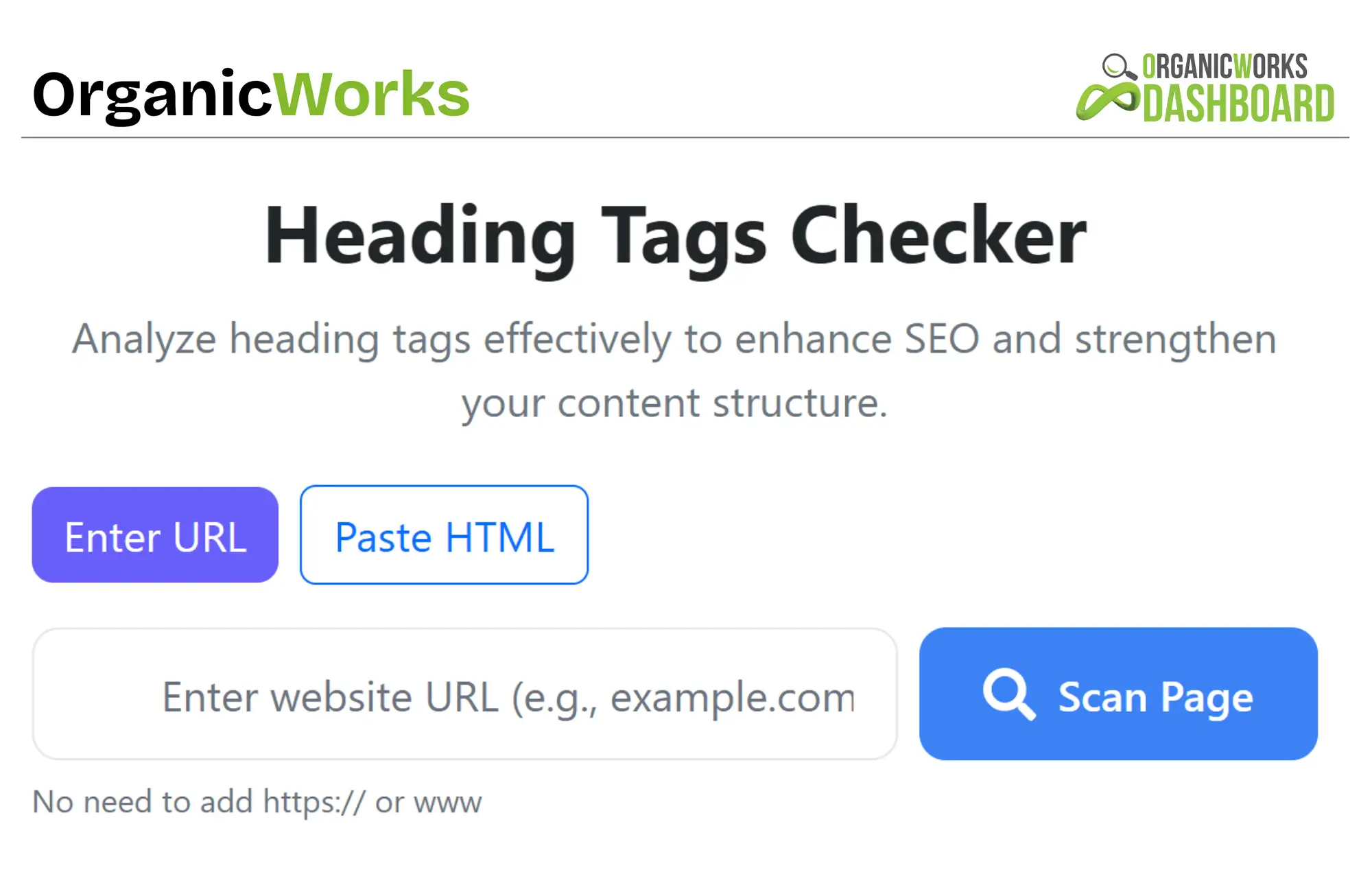
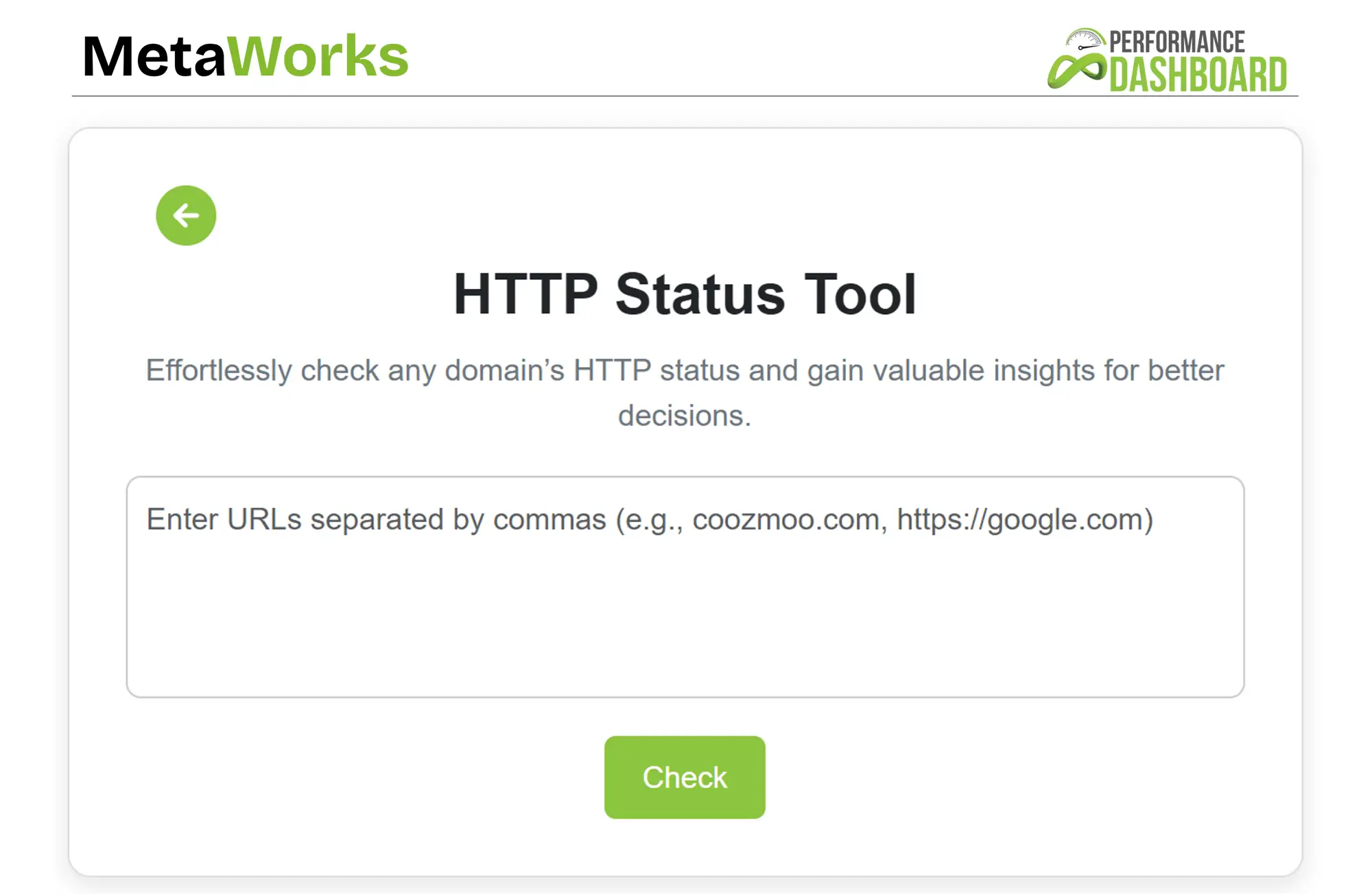
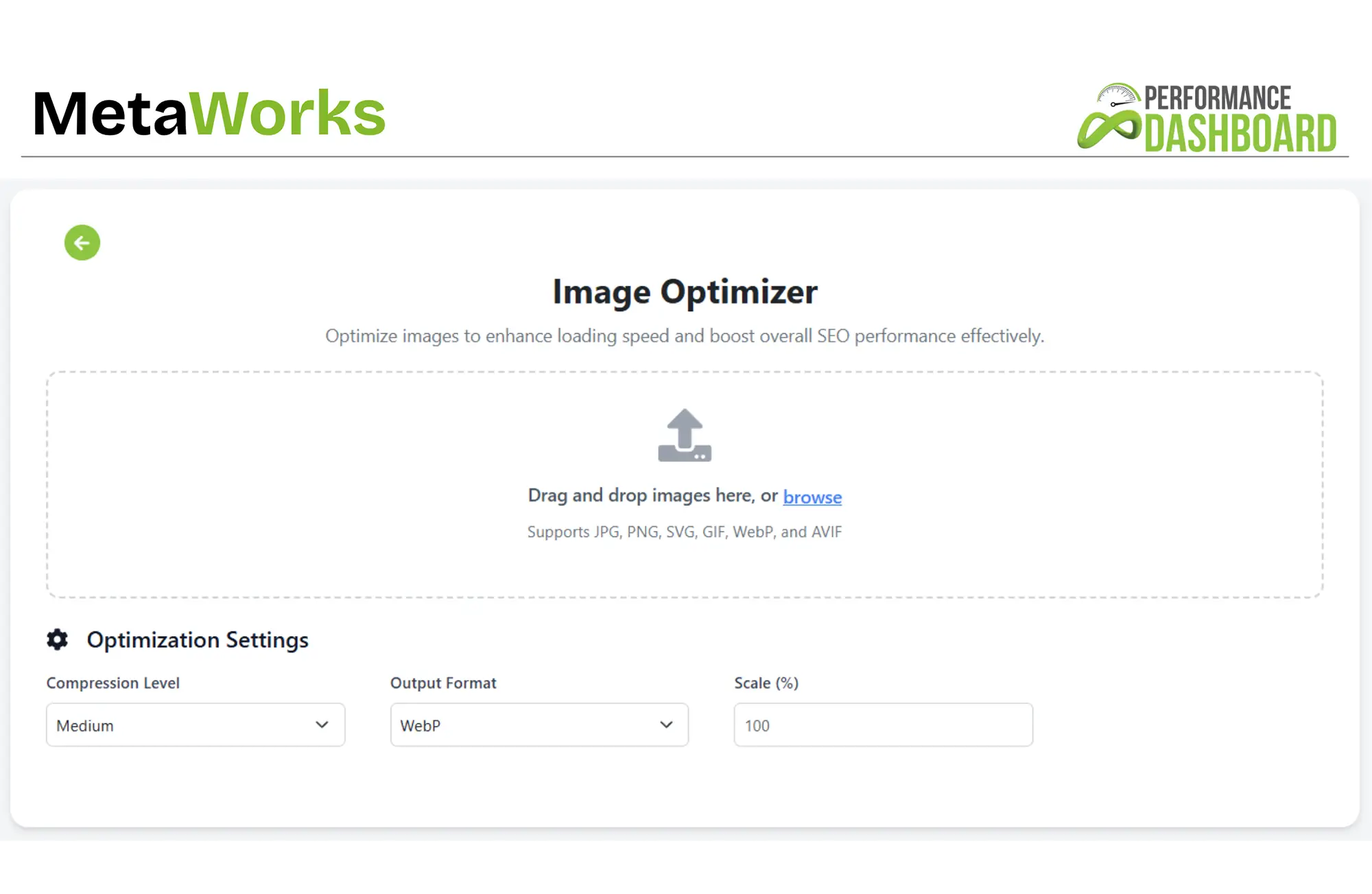
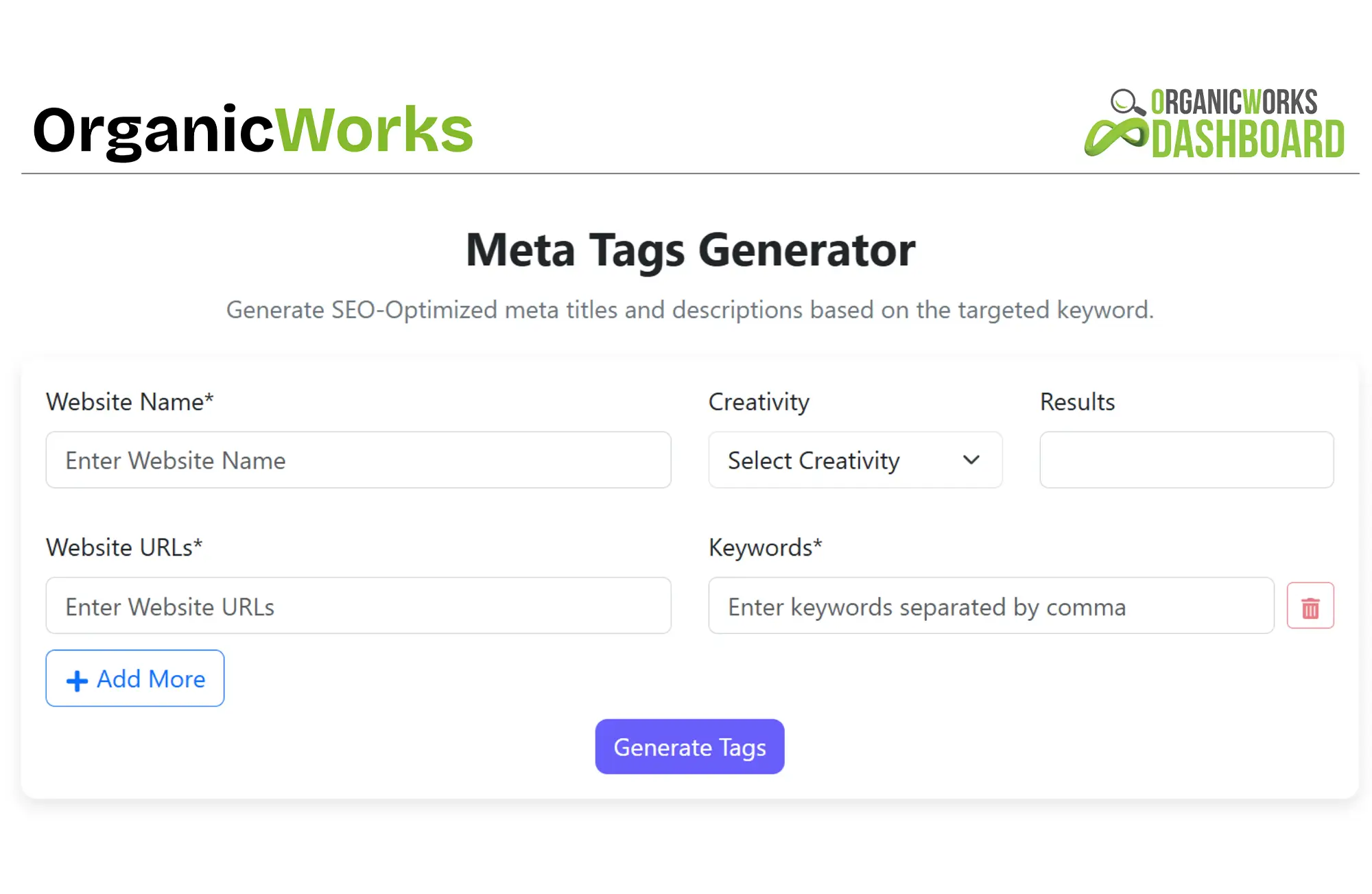
Explore More Free Tools
Use our free calculators to track key metrics and optimize your marketing strategy.
Explore More Free Tools
Use our free calculators to track key metrics and optimize your marketing strategy.

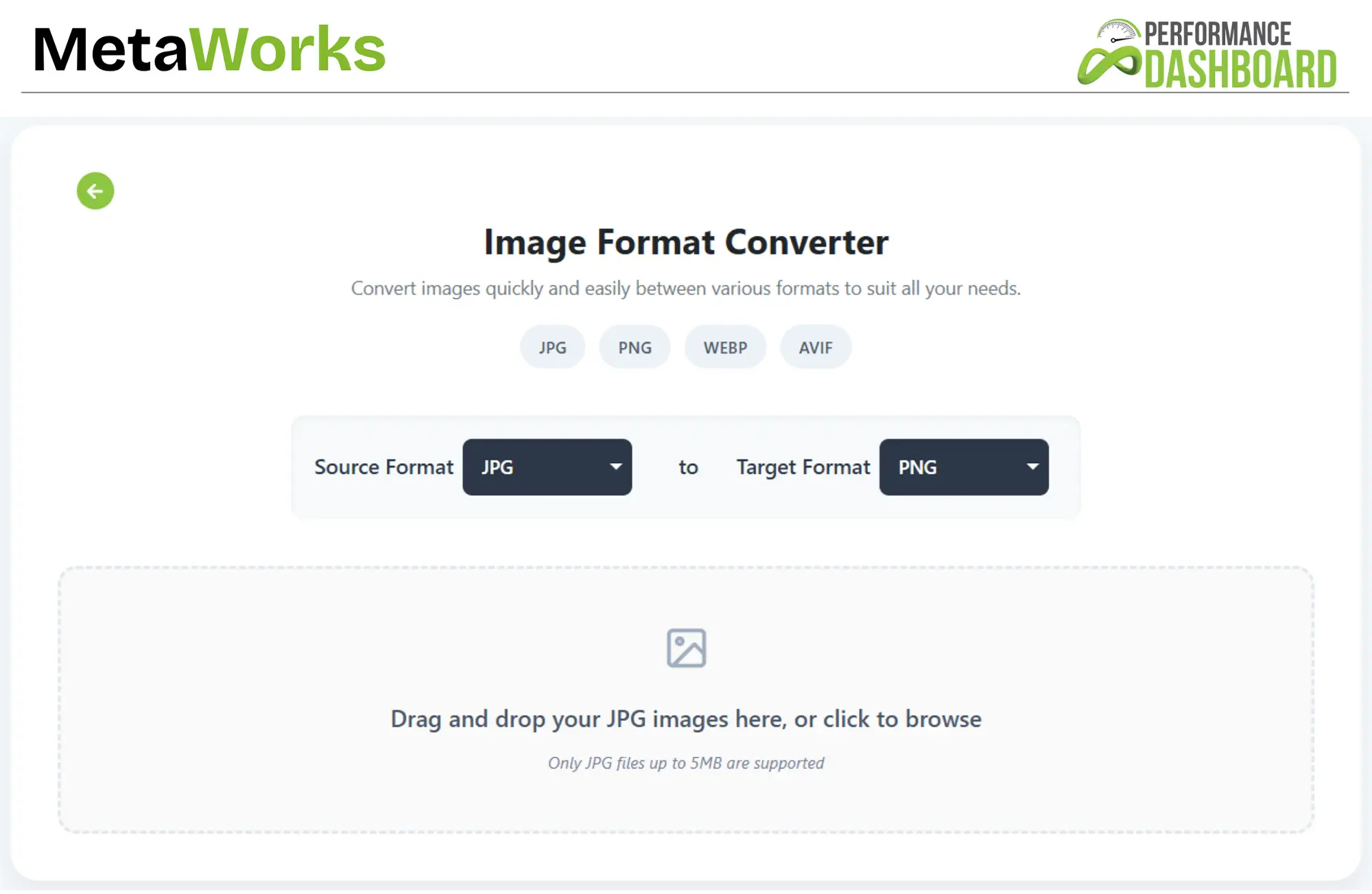
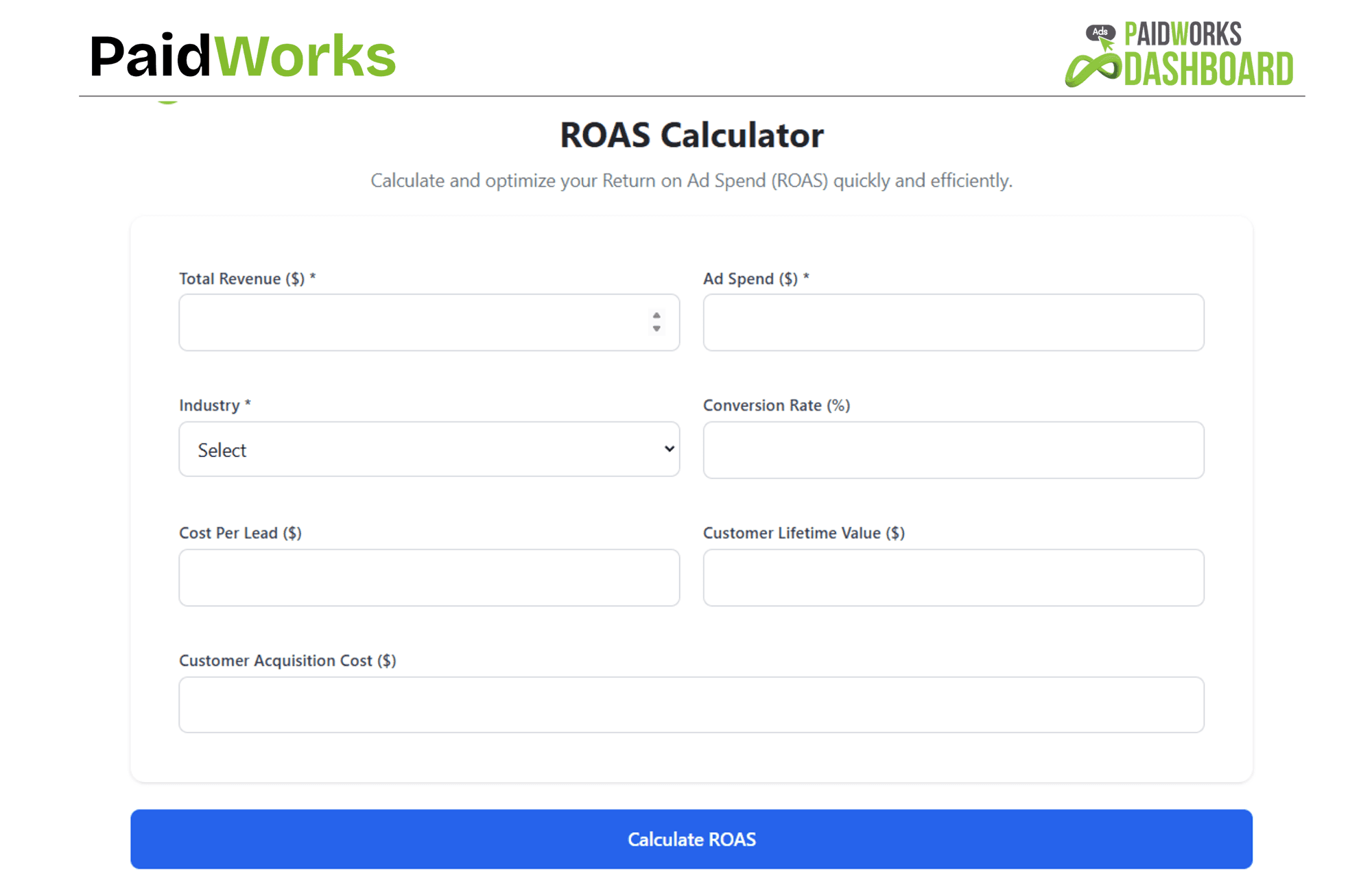
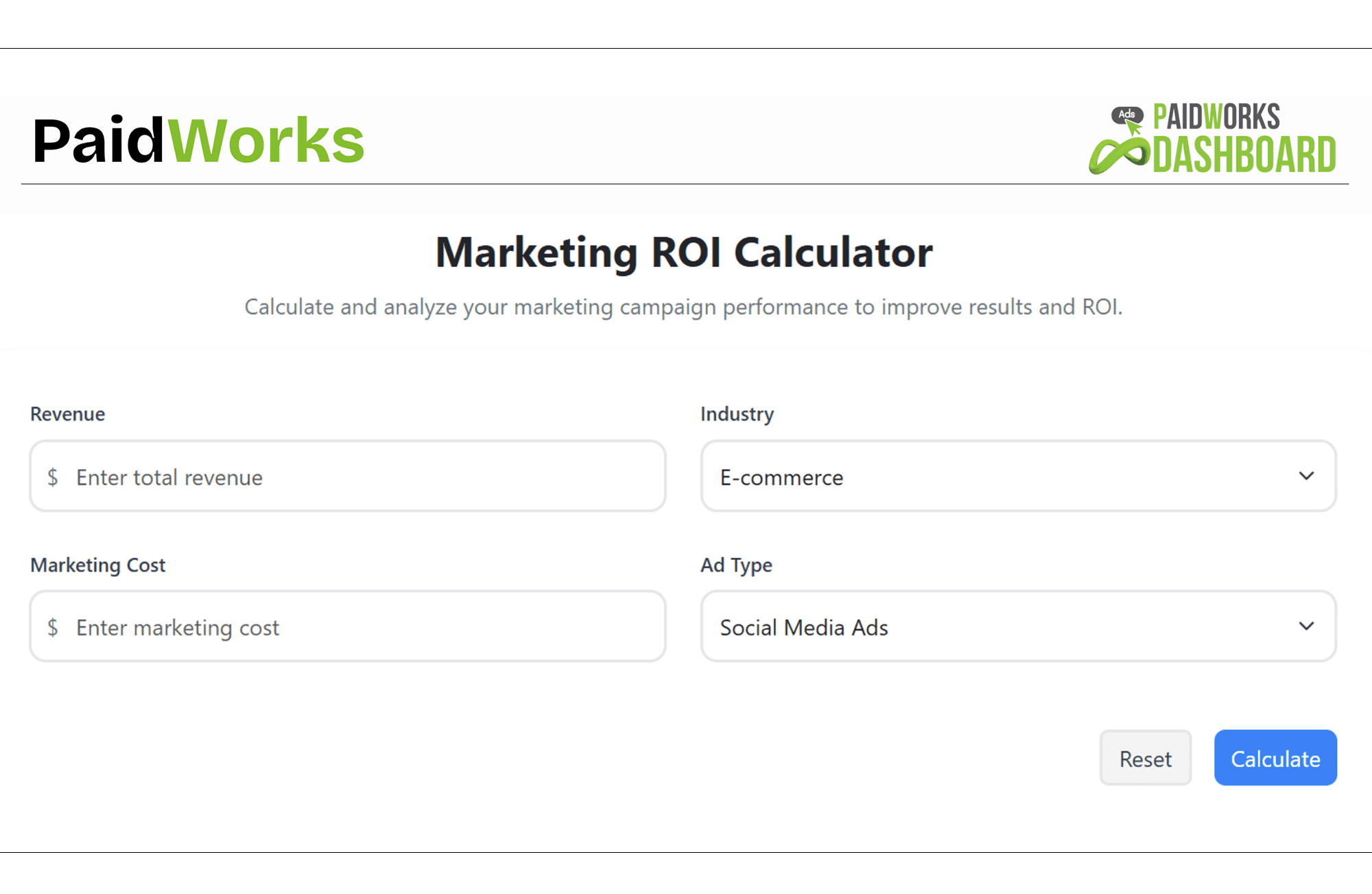
Explore More Free Tools
Use our free calculators to track key metrics and optimize your marketing strategy.
Frequently Asked Questions (FAQs)
Frequently Asked Questions
Check out our FAQs for quick solutions. If you need more info, feel free to reach out or book a free consultation call.
Explore our FAQs for quick solutions. For more info, contact us or book a free consultation call.
Explore our FAQs for quick solutions. For more info, contact us or book a free consultation call.
What's the main difference between a JPG and a PNG file?

JPG (or JPEG): Great for photos. They use "lossy" compression (can be smaller, might lose a tiny bit of quality). No transparency.
PNG: Uses "lossless" compression (no quality loss). Excellent for graphics, logos, and supports transparent backgrounds.
How does this specific jpg to png converter maintain quality?
Our jpg to png converter is designed to preserve the original image quality during the conversion. Because PNG is a lossless format, when you convert your JPG, the tool ensures all the original pixel data that makes up the image's detail and color is retained in the new PNG file.
Can I use this tool as a transparent png converter?
While this tool converts JPGs (which don't have transparency) to PNGs, it doesn't create transparency from a solid background. If your original JPG has, say, a logo on a white background, the resulting PNG will also have that logo on a white background. To get a transparent PNG converter effect where the background is removed, you'd typically need an image editing tool first to remove the background before saving or converting to PNG. However, if you need a PNG format that supports transparency you might add later, this tool is perfect. Looking for more details? Contact us today before your competitors do.
Is this really a free png converter?
Yes, absolutely! This is a png converter free for everyone to use. You can convert your JPG and JPEG files to the PNG format as many times as you need without any cost, subscriptions, or hidden fees.
Will I lose image quality when I convert JPG to PNG using this tool?
No, you won't! Our tool is designed to convert your JPG to a PNG while preserving the original quality. PNG itself is a lossless format, so the conversion process maintains the integrity of your image.
Why would I want to convert a JPG to a PNG?
The most common reason is to get a transparent background (which PNGs support). PNGs are also often preferred for logos, icons, and graphics with text or sharp lines because they tend to keep those details crisper.
What happens if my JPG file is larger than 5MB?
If your file is too large, you might need to compress or resize it first using an image editing tool before you can convert it with our tool. Our tool checks the domain registration age. Learn more—how we drive revenue?
Can I convert multiple JPG files at once?
We primarily serve London and surrounding areas, but depending on the project, we may be able to travel further. Get in touch to discuss your location and project needs.
When is it better to still use a JPG instead of a PNG?
We primarily serve London and surrounding areas, but depending on the project, we may be able to travel further. Get in touch to discuss your location and project needs.
Can I convert back from PNG to JPG?
We primarily serve London and surrounding areas, but depending on the project, we may be able to travel further. Get in touch to discuss your location and project needs.
What's the main difference between a JPG and a PNG file?
JPG (or JPEG): Great for photos. They use "lossy" compression (can be smaller, might lose a tiny bit of quality). No transparency.
PNG: Uses "lossless" compression (no quality loss). Excellent for graphics, logos, and supports transparent backgrounds.
How does this specific jpg to png converter maintain quality?
Our jpg to png converter is designed to preserve the original image quality during the conversion. Because PNG is a lossless format, when you convert your JPG, the tool ensures all the original pixel data that makes up the image's detail and color is retained in the new PNG file.
Can I use this tool as a transparent png converter?
While this tool converts JPGs (which don't have transparency) to PNGs, it doesn't create transparency from a solid background. If your original JPG has, say, a logo on a white background, the resulting PNG will also have that logo on a white background. To get a transparent PNG converter effect where the background is removed, you'd typically need an image editing tool first to remove the background before saving or converting to PNG. However, if you need a PNG format that supports transparency you might add later, this tool is perfect. Looking for more details? Contact us today before your competitors do.
Is this really a free png converter?
Yes, absolutely! This is a png converter free for everyone to use. You can convert your JPG and JPEG files to the PNG format as many times as you need without any cost, subscriptions, or hidden fees.
Will I lose image quality when I convert JPG to PNG using this tool?
No, you won't! Our tool is designed to convert your JPG to a PNG while preserving the original quality. PNG itself is a lossless format, so the conversion process maintains the integrity of your image.
Why would I want to convert a JPG to a PNG?
The most common reason is to get a transparent background (which PNGs support). PNGs are also often preferred for logos, icons, and graphics with text or sharp lines because they tend to keep those details crisper.
What happens if my JPG file is larger than 5MB?
If your file is too large, you might need to compress or resize it first using an image editing tool before you can convert it with our tool. Our tool checks the domain registration age. Learn more—how we drive revenue?
Can I convert multiple JPG files at once?
We primarily serve London and surrounding areas, but depending on the project, we may be able to travel further. Get in touch to discuss your location and project needs.
When is it better to still use a JPG instead of a PNG?
We primarily serve London and surrounding areas, but depending on the project, we may be able to travel further. Get in touch to discuss your location and project needs.
Can I convert back from PNG to JPG?
We primarily serve London and surrounding areas, but depending on the project, we may be able to travel further. Get in touch to discuss your location and project needs.

Would you prefer to talk to someone?


Trusted by 1000+ Owners!












Ready to speak with an expert?
Data-Driven Marketing Agency That Elevates ROI
1100+
Websites Designed & Optimized to Convert
$280M+
Client Revenue Driven & Growing Strong
Discover how to skyrocket
your revenue today!
Trusted by 1000+ Owners!
Ready to speak with an expert?
Data-Driven Marketing Agency That Elevates ROI
1100+
Websites Designed & Optimized to Convert
$280M+
Client Revenue Driven & Growing Strong
Discover how to skyrocket
your revenue today!
Trusted by 1000+ Owners!
Want to skyrocket revenue?
4.9/5 Ratings!
Ready to speak with an expert?
Data-Driven Marketing Agency That Elevates ROI
1100+
Websites Designed & Optimized to Convert
$280M+
Client Revenue Driven & Growing Strong
Discover how to skyrocket
your revenue today!
Trusted by 1000+ Owners!
Call
Meet